
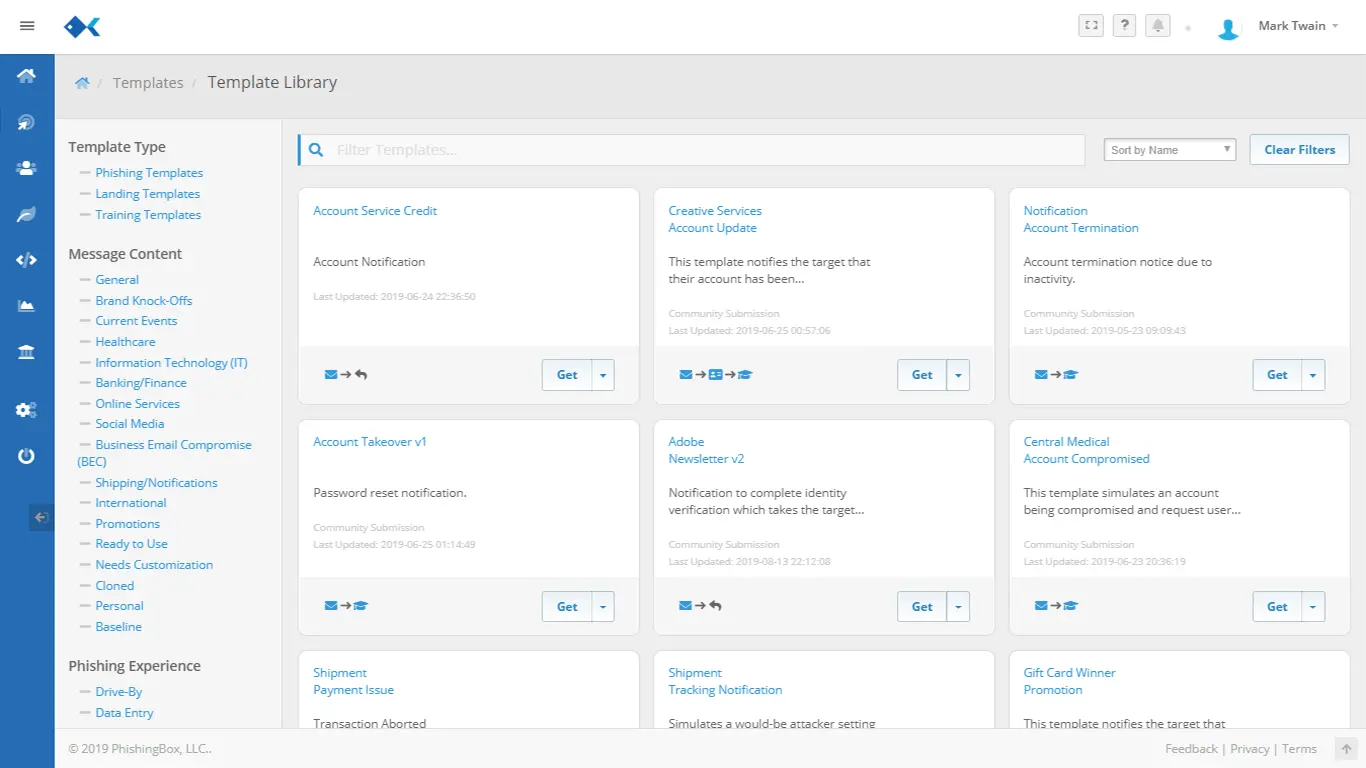
Select a convincing phishing email
Choose from ready-built phishing templates, clone a real attack safely, or customize the email for a department, role, or campaign goal.
Browse template libraryUse PhishingBox to send realistic phishing simulations, teach employees at the moment of failure, and automatically enroll risky users in follow-up training.
Each simulated attack should teach something useful. This flow keeps the email, hook, landing page, and training action connected so teams can see what happened and what remediation followed.
Choose from ready-built phishing templates, clone a real attack safely, or customize the email for a department, role, or campaign goal.
Browse template library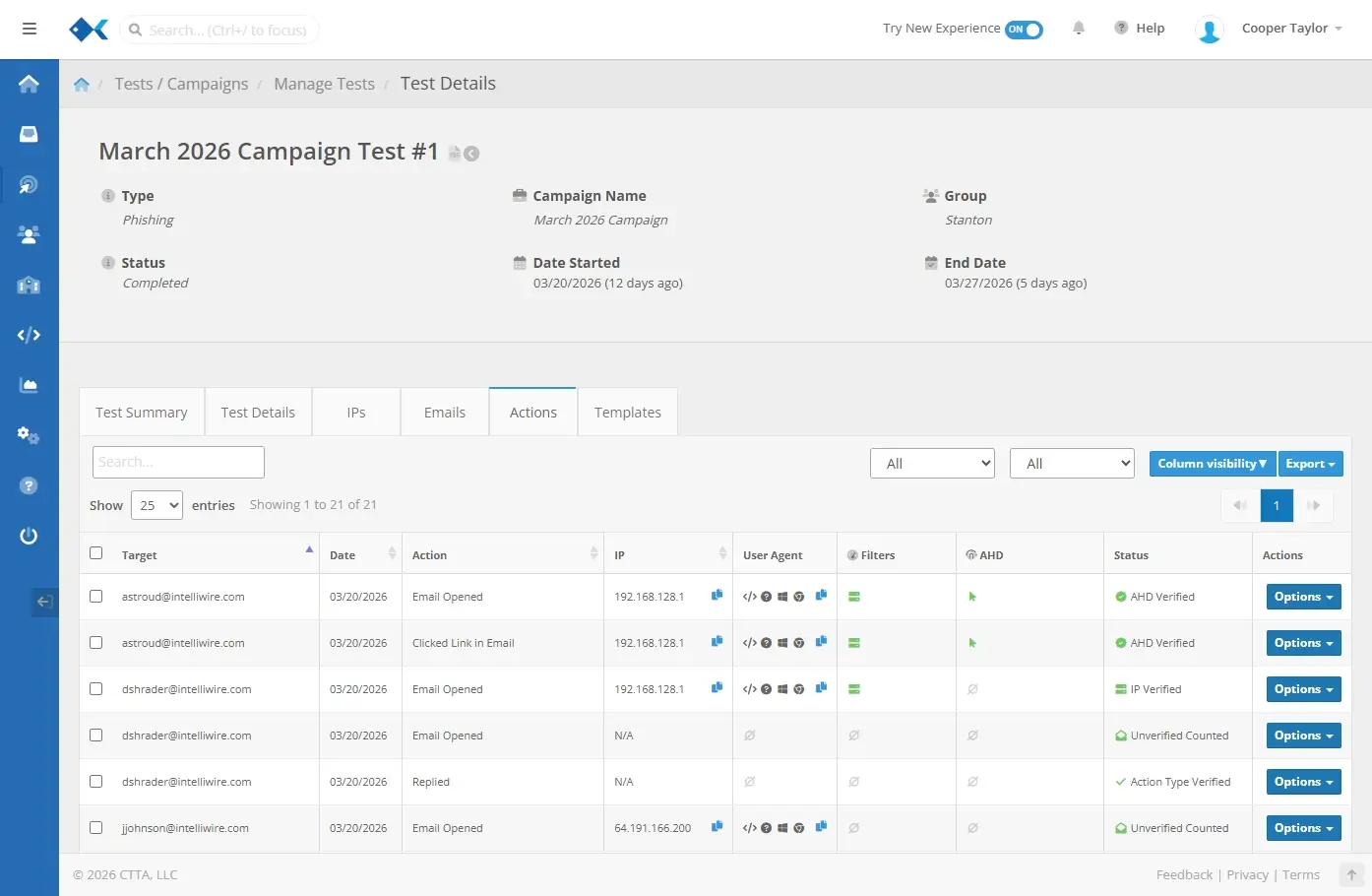
PhishingBox records campaign activity so admins can see who interacted with the simulation and which groups need reinforcement.
View reporting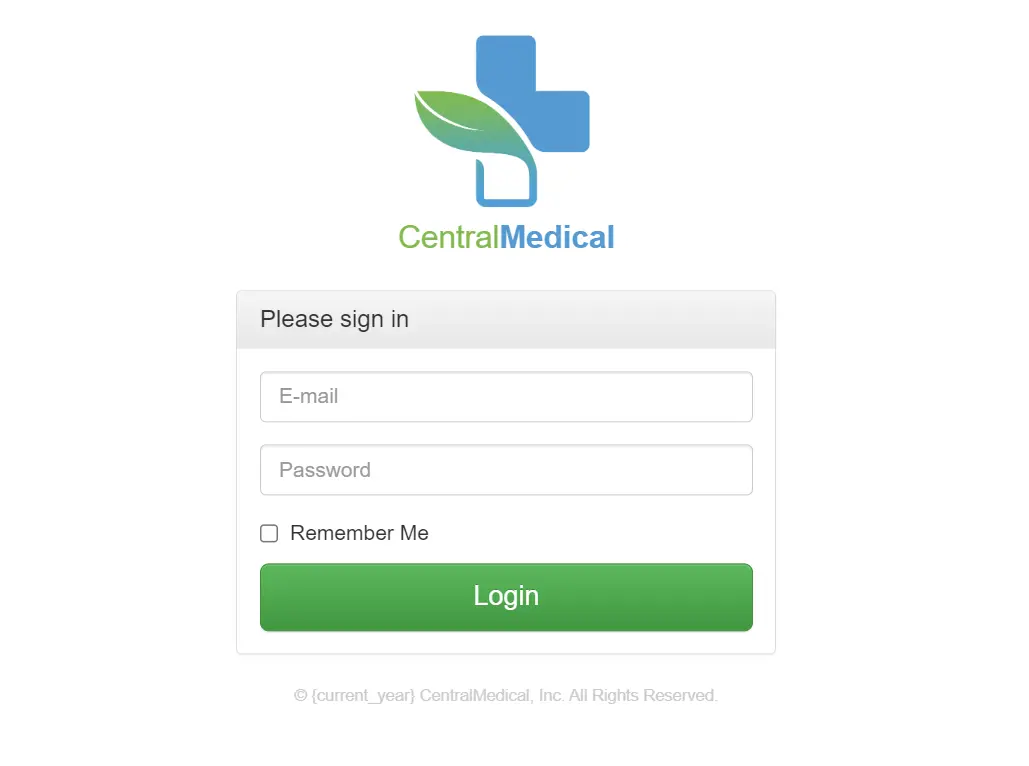
Landing pages can mimic credential prompts, forms, and branded workflows so the simulation feels realistic while remaining controlled.
View template editor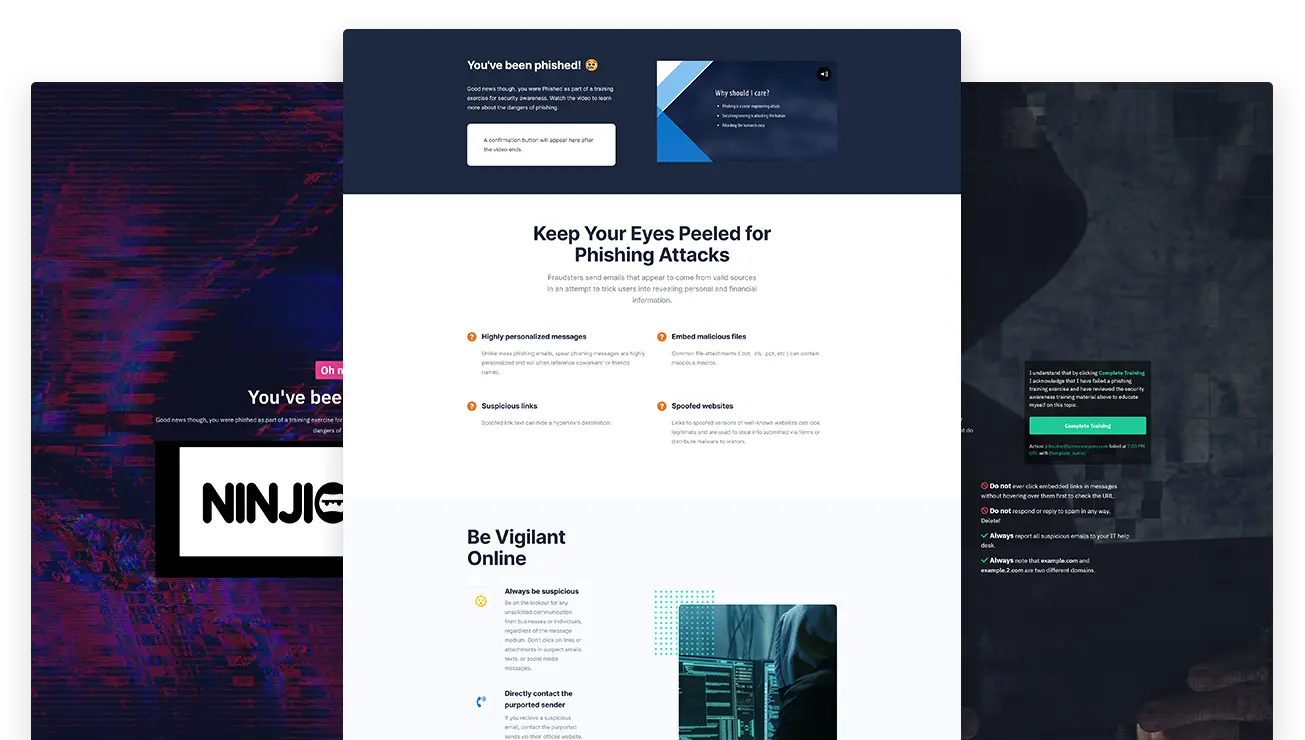
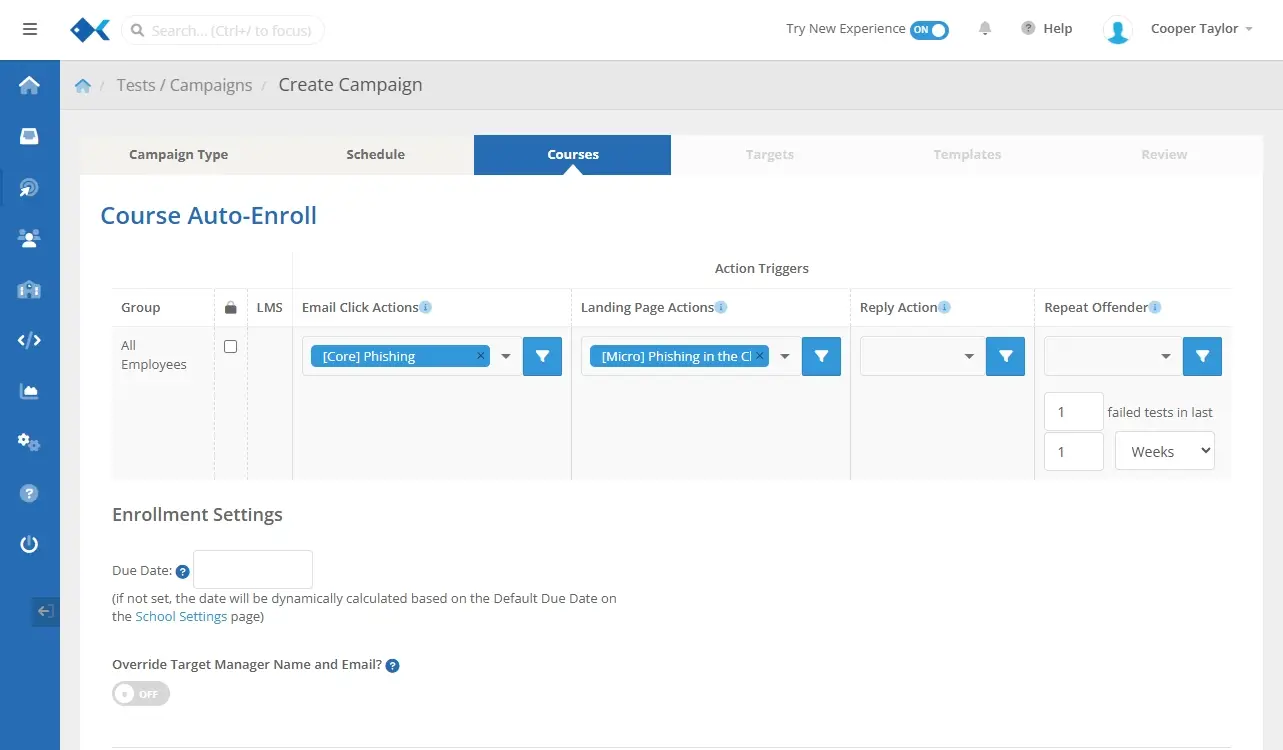
Employees who fail a phishing test can be shown a Training Moment and automatically enrolled in follow-up courses through the Phishing Simulator workflow.
Explore simulator automationThe Phishing Email Library gives teams a clean starting point for common attack themes. Select a phishing email, pair it with a landing page, and keep the follow-up training ready before the campaign launches.
Promote remediation while the lesson is fresh. With the Phishing Simulator, failed phishing tests can route users to a Training Moment and enroll them in relevant courses automatically.
Clicks, submissions, and other actions are tied to the campaign and target.
Failed users can be enrolled in follow-up courses without a manual admin step.
Training progress and completion can feed broader reporting and human risk views.
Use PhishingBox to build realistic campaigns, link failed tests to training, and turn employee behavior into measurable human risk signals.
Run realistic phishing tests, monitor risky actions, and trigger remediation from one simulation workflow.
Start from phishing email and landing page templates designed around real attack themes.
Enroll employees who fail phishing tests into courses and track training completion without manual assignment.
Use clicks, submissions, reports, and training engagement to prioritize higher-risk employees and groups.
Review how PhishingBox connects phishing simulations, the Phishing Email Library, Training Moments, automatic enrollment, and reporting.
Phishing training in PhishingBox combines realistic phishing simulations, landing pages, Training Moments, and follow-up courses so employees learn from safe simulated attacks before real attacks happen.
Yes. PhishingBox can connect failed phishing tests to automatic follow-up training, including Training Moments and course enrollment, so risky behavior becomes a managed remediation workflow.
The Phishing Simulator sends realistic campaigns, tracks employee actions, and can route employees who click or submit data into training workflows.
The Phishing Email Library is a collection of realistic phishing email and landing page templates that teams can use to build relevant campaigns faster.
Yes. Teams can start from library content and customize phishing emails, landing pages, and training pages with the Template Editor.
Teams can review campaign results, repeat behavior, reported emails, training assignments, completion activity, and broader human risk signals to see where employees are improving and where more coaching is needed.