
Collect
Centralize user-reported email threats from KillPhish and abuse@yourcompany.com style mailboxes.
Centralize reported phishing emails, investigate suspicious indicators, and coordinate email threat triage and remediation from Security Inbox.
Security Inbox gives teams a centralized place to review suspicious messages reported by users or routed through abuse mailbox workflows. Analysts can move quickly from inbox triage to indicator review and response coordination.
That workflow supports SOAR-style operations for email threats while keeping the focus on phishing investigation, user reporting, and remediation.
Centralize user-reported email threats from KillPhish and abuse@yourcompany.com style mailboxes.
Review sender details, domains, links, message headers, lookup results, and related threat signals.
Coordinate replies, quarantine-oriented action, simulation handoff, and broader security orchestration steps.
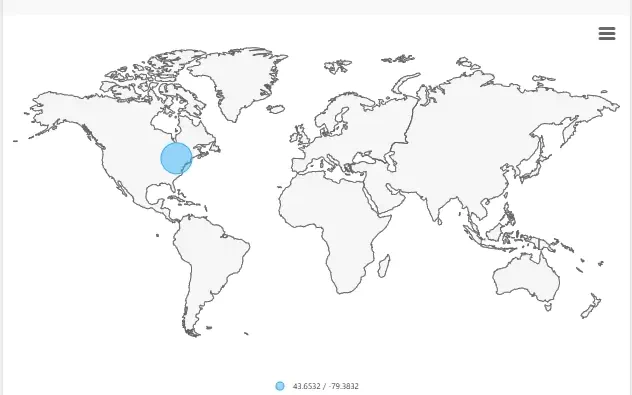
Mitigation starts with understanding the message. Security Inbox helps analysts inspect the email itself and review supporting context, including suspicious domains, URLs, sender information, blocklist indicators, and IP location details.
Security Inbox keeps reported-email work organized so analysts can prioritize messages, investigate details, and route next steps through a repeatable process.
Keep suspicious email reports in one operational queue instead of spreading work across shared mailboxes and chat threads.
Use lookup views to review domains, IP details, blocklist checks, and other evidence before response decisions.
Support replies, remediation handoffs, and training follow-up through a consistent phishing reporting SOAR workflow.