
Phishing Emails
Customize email copy, sender details, links, and calls to action so each simulation matches the scenario you want to test.
Easily create phishing emails, landing pages, and training pages.
PhishingBox gives teams a flexible editor for creating realistic phishing simulations, customizing ready-made templates, and connecting each campaign to the training experience that follows.
Start with an existing phishing template or build a new scenario from scratch. The editor gives you control over the email, landing page, and training page so your simulation matches your audience and campaign objective.
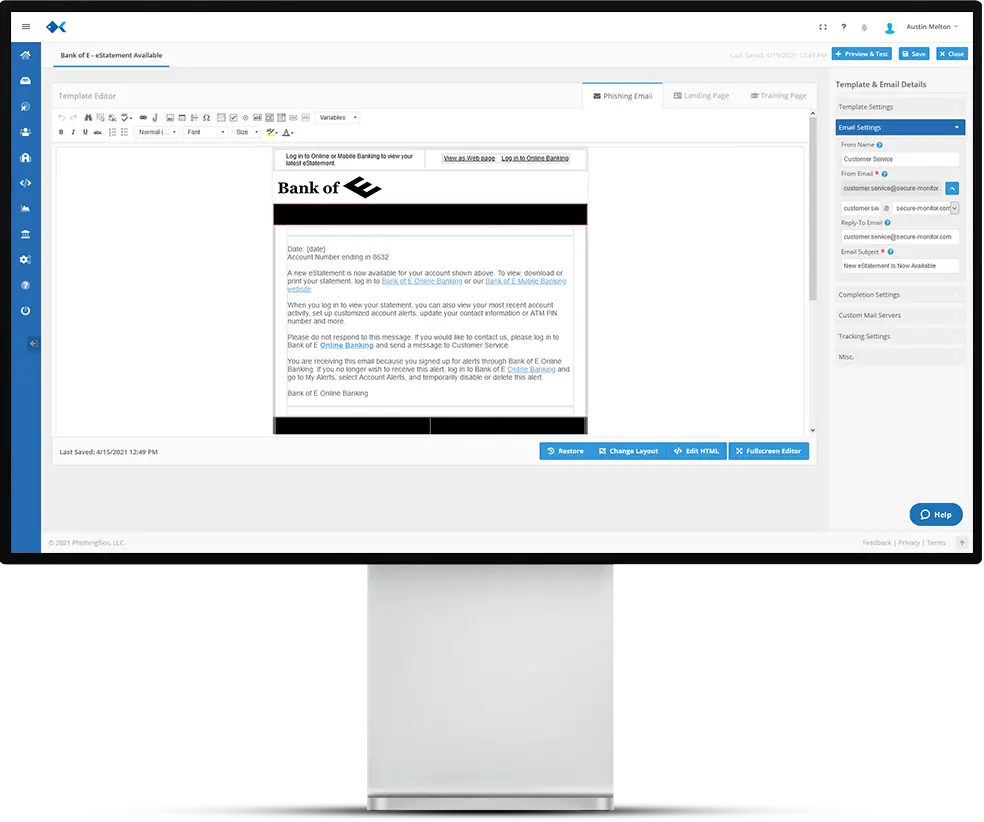
Create the message, destination, and follow-up training path from one workflow so each simulated attack is realistic, measurable, and ready to deploy.
Customize email copy, sender details, links, and calls to action so each simulation matches the scenario you want to test.
Create realistic destination pages that capture clicks, form submissions, and teachable moments after a user interacts.
Add follow-up education so failed simulations can turn into immediate awareness and behavior change.
Use AI instrumentation to draft, revise, and adapt phishing scenarios for different audiences and objectives.
Go beyond simple edits with HTML, CSS, JavaScript, and Bootstrap support for custom template experiences.
Adapt templates for departments, regions, and languages so simulations feel relevant to the people receiving them.
Use the editor to shape the entire user journey before launching through the Phishing Simulator. Each template can support realistic email hooks, branded landing pages, immediate training, and reporting-friendly campaign outcomes.
Draft the message and scenario.
Adjust content, assets, and pages.
Connect failures to learning moments.
Launch through campaign workflows.
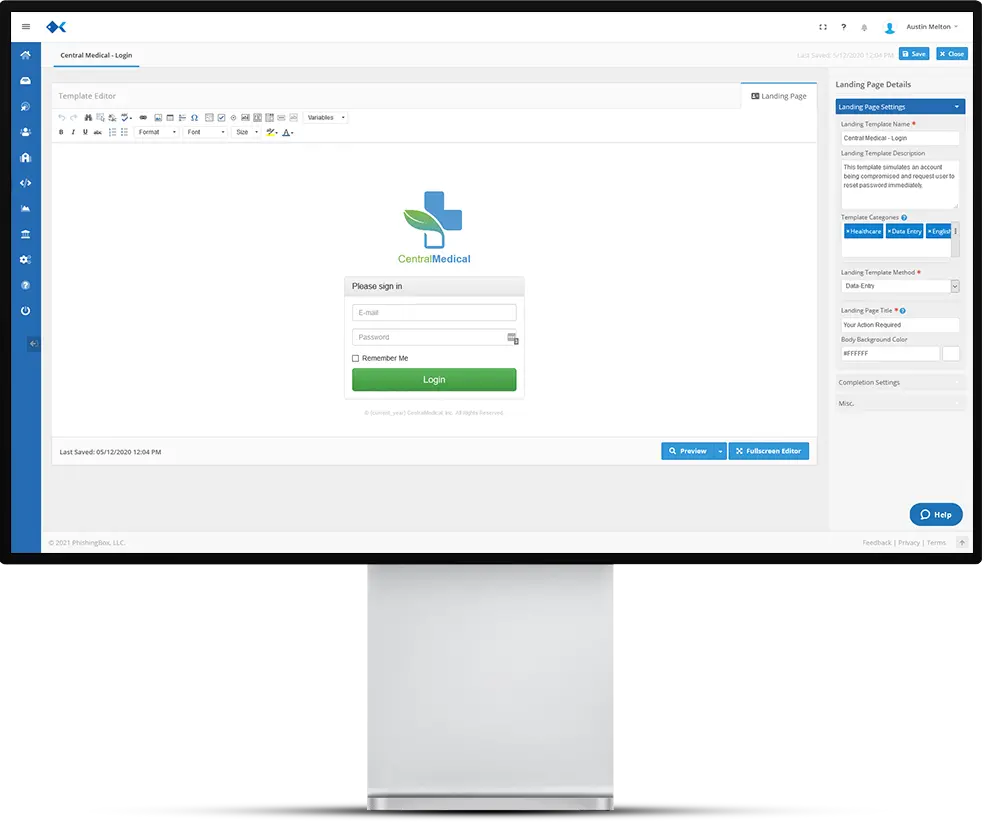
A strong template does more than look polished. It creates a believable scenario, guides the user to a realistic next step, and supports follow-up training when a risky behavior is recorded.
A convincing phishing email uses familiar language, timing, and context to encourage the recipient to click while still keeping the campaign controlled and measurable.
The landing page helps test whether a user will provide information, follow instructions, or pause when a request feels urgent, unusual, or risky.
Templates help identify where employees need more guidance, then support targeted awareness training that can improve behavior over time.
If your team is comfortable with HTML, CSS, JavaScript, and Bootstrap, the editor gives you room to take template customization further while keeping the content available for phishing simulation campaigns.
Explore Template Library
A complete phishing template can cover the message a user receives, the page they visit after clicking, and the training moment that helps them recognize the warning signs next time.
The email is the lure of the simulation. Customize the message, style, and link experience so the scenario aligns with your campaign goal.
The landing page shows what happens after a click and can measure whether users continue, submit information, or recognize the risk.
The training page turns a failed test into a learning moment with guidance that explains what happened and what to watch for next time.
Get a quick view of how the PhishingBox Template Editor handles email templates, landing pages, training pages, AI-assisted editing, localization, and simulator deployment.
Yes. The Phishing Template Editor lets teams edit pre-built phishing emails or create new phishing email templates from scratch for security awareness campaigns.
Yes. A phishing template can include the email, the landing page a user sees after clicking, and a training page or learning moment that reinforces safer behavior.
Yes. Teams can use the visual editor for fast updates or work directly with familiar web technologies, including HTML, CSS, JavaScript, and Bootstrap.
Yes. PhishingBox includes AI-assisted editing features that can help tailor template language, scenarios, and campaign content to your use case.
Yes. Templates can be customized for different departments, regions, languages, and campaign goals so training feels relevant to the target audience.
Templates built in the editor can be used with the Phishing Simulator to launch campaigns, measure user behavior, and connect failed tests to training workflows.